# Use your ChatGPT or Claude plan
> Run Ask Onsite and AI writing on the ChatGPT or Claude plan your team already pays for, so answers don't use your credits.
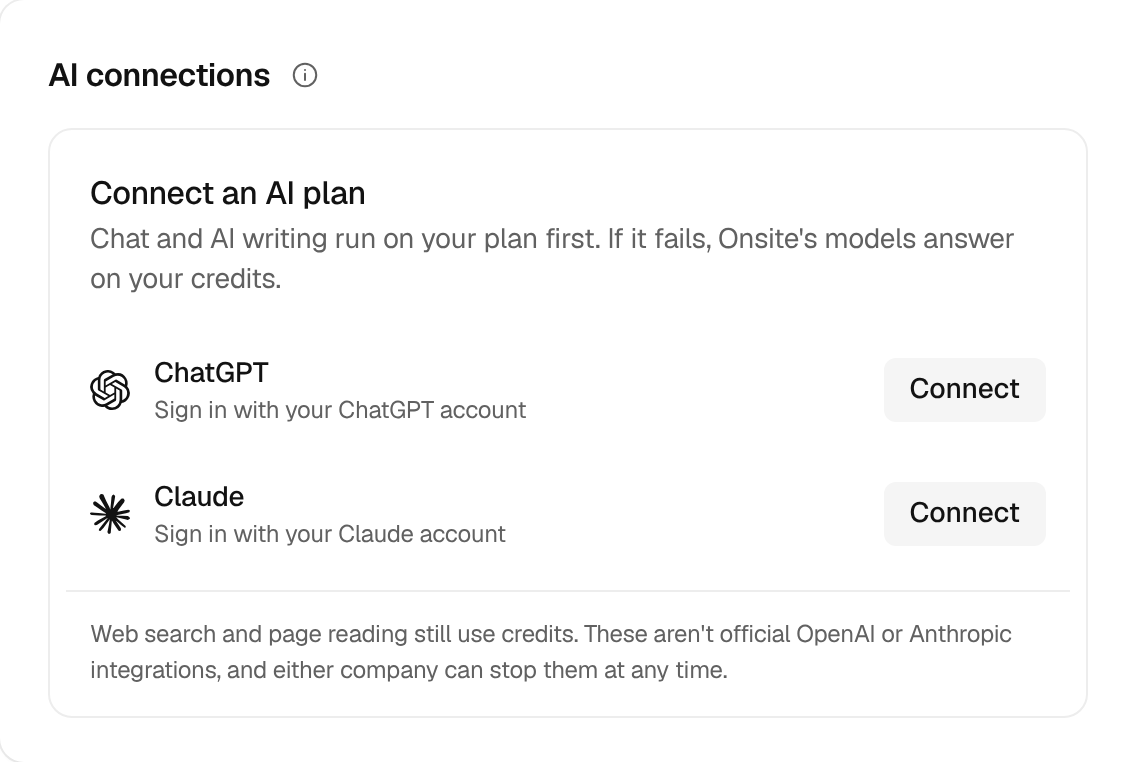
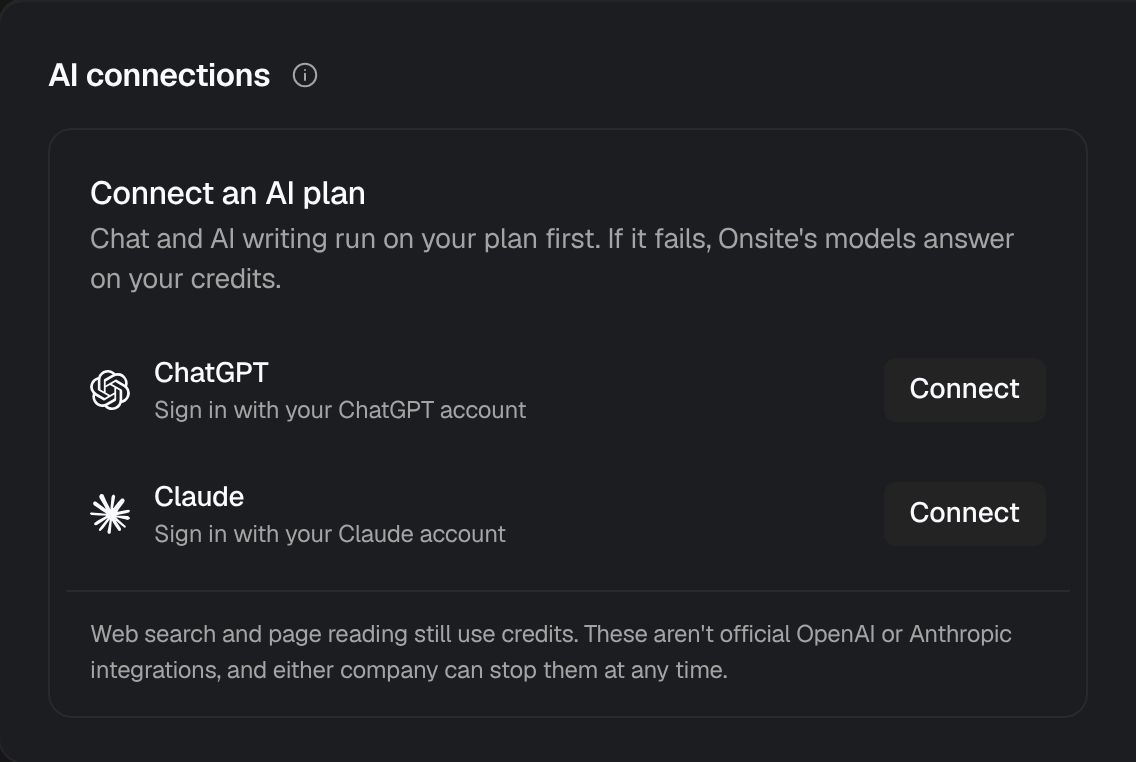
Connect a ChatGPT or Claude plan you already pay for, and Ask Onsite answers with it. Answers from your plan don't use your Onsite credits, and everyone on your team gets them.
 ## What changes when you connect
- **Ask Onsite** answers your questions with your plan.
- **AI writing** in Onsite, such as summaries and drafts, uses your plan too.
- **Credits** are still used for work that isn't a model answer: searching the web and reading pages for you.
- **If your plan can't answer**, for example because you've reached its usage limit, Onsite's own models answer instead and use credits as usual.
- **If your credits run out**, your plan still answers. Web search and page reading pause until your credits reset.
Onsite only sends requests to your plan. It can't read your ChatGPT or Claude chats, and nothing you ask in Onsite shows up in your ChatGPT or Claude history.
## Which plans work
| App | Plans that work | Good to know |
|---|---|---|
| ChatGPT | Plus and Pro. Business, Enterprise and Edu workspaces once an admin allows it. | You turn on one setting in ChatGPT first. [See how](/guides/ai-accounts/chatgpt). |
| Claude | Pro and Max. Team and Enterprise seats that include Claude Code. | Claude shows you a code to paste back into Onsite. [See how](/guides/ai-accounts/claude). |
A free ChatGPT or Claude account can't be connected.
## Before you start
- You need to be an **owner or admin** of your Onsite team. Everyone else can see what's connected, but can't change it.
- The plan is shared with your whole team. Connect an account whose usage you're happy for your team to draw on.
These connections aren't official OpenAI or Anthropic integrations, and either company can stop them at any time. If that happens, Ask Onsite keeps working on Onsite's own models and your credits.
## If you connect both
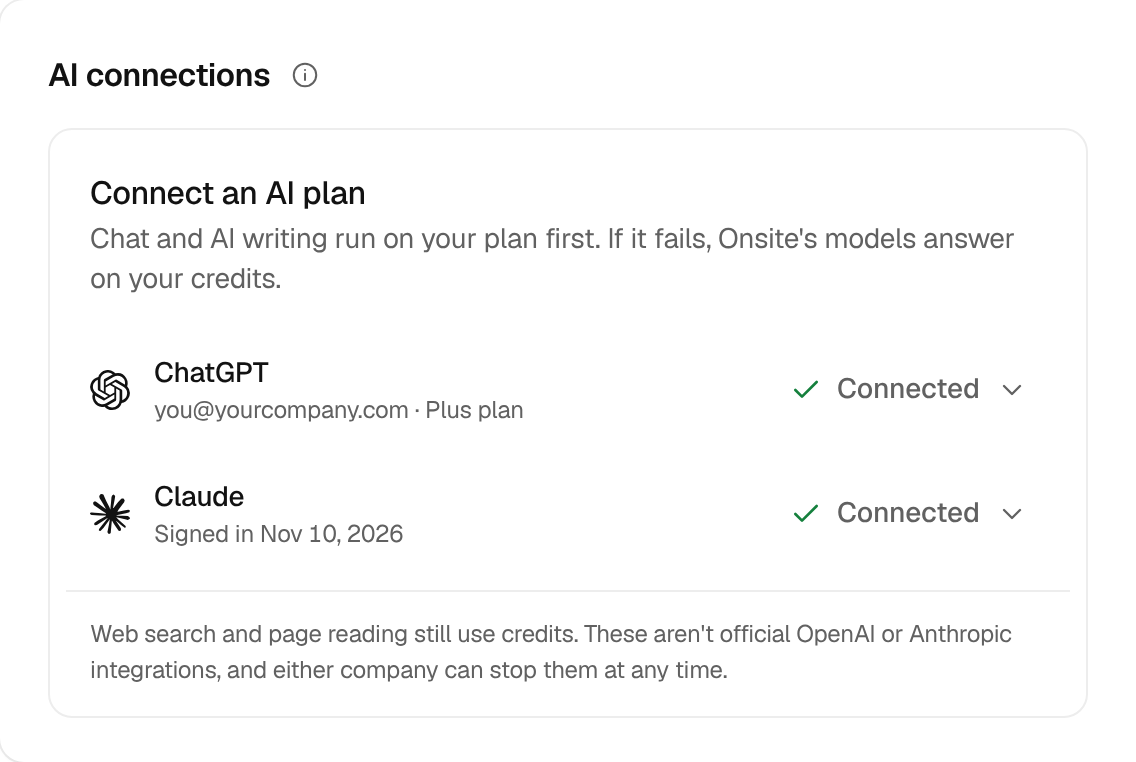
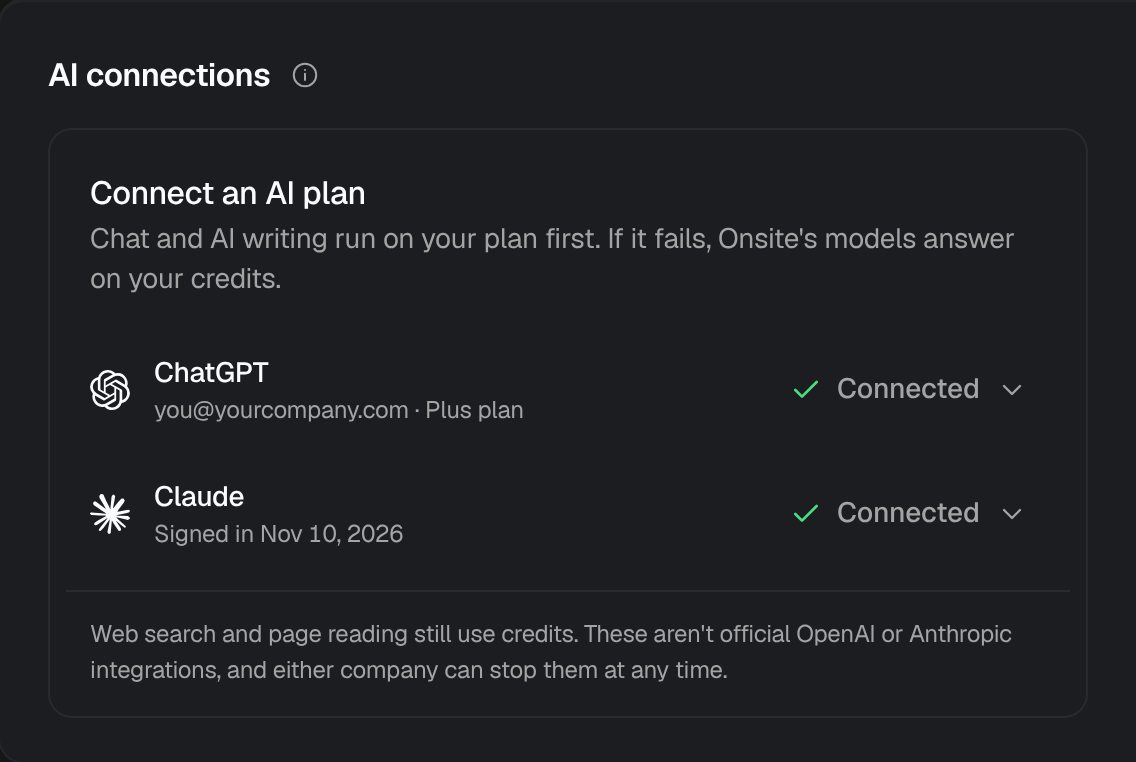
You can connect ChatGPT and Claude at the same time. ChatGPT answers first. If ChatGPT can't answer, Claude doesn't step in: Onsite's own models do. To have Claude answer, disconnect ChatGPT.
 ## Not the same as using Onsite inside ChatGPT or Claude
This guide is about Ask Onsite, inside Onsite, answering with your plan. You can also go the other way and ask about your sites from inside ChatGPT or Claude by adding Onsite as a connector there. The two are separate, and you can use either or both.
Add Onsite as a connector in Claude and ask about your sites there.
Add Onsite to ChatGPT and ask about your sites there.
## Get started
Sign in with a code from Onsite. Takes about two minutes.
Sign in to Claude and paste back the code it shows you.
Expired sign-ins, plan limits, the wrong workspace and other fixes.
What you can ask, and how answers work.