

Ask Onsite
Fix a ChatGPT or Claude connection
What each message about your connected ChatGPT or Claude plan means, and how to get Ask Onsite answering with your plan again.
When a connected plan can’t answer, Ask Onsite switches to Onsite’s own models and uses your credits until the connection works again. This page helps you get it back on your plan.
You’ll see the messages below in Settings › AI connections, or in Ask Onsite when your team has no credits left for Onsite to answer instead.
Signed out or expired
Section titled “Signed out or expired”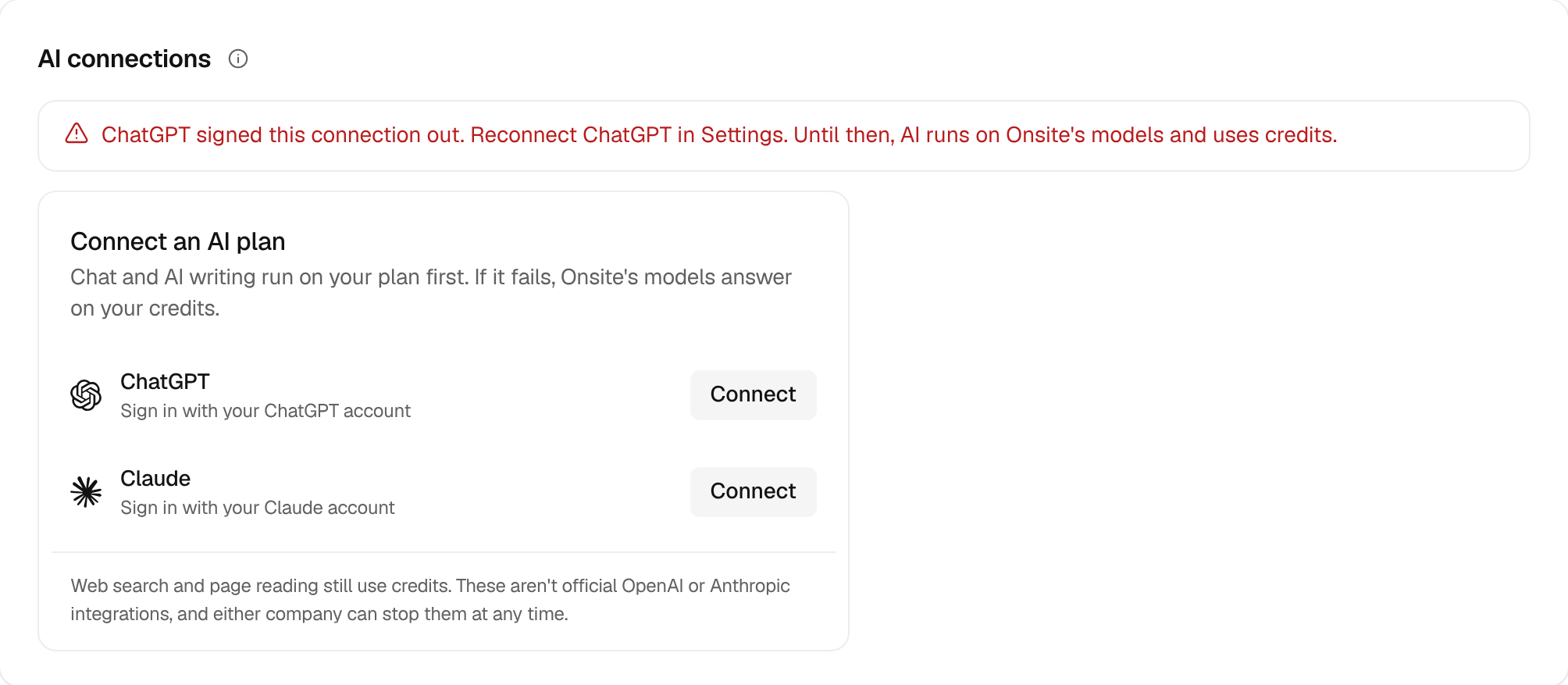
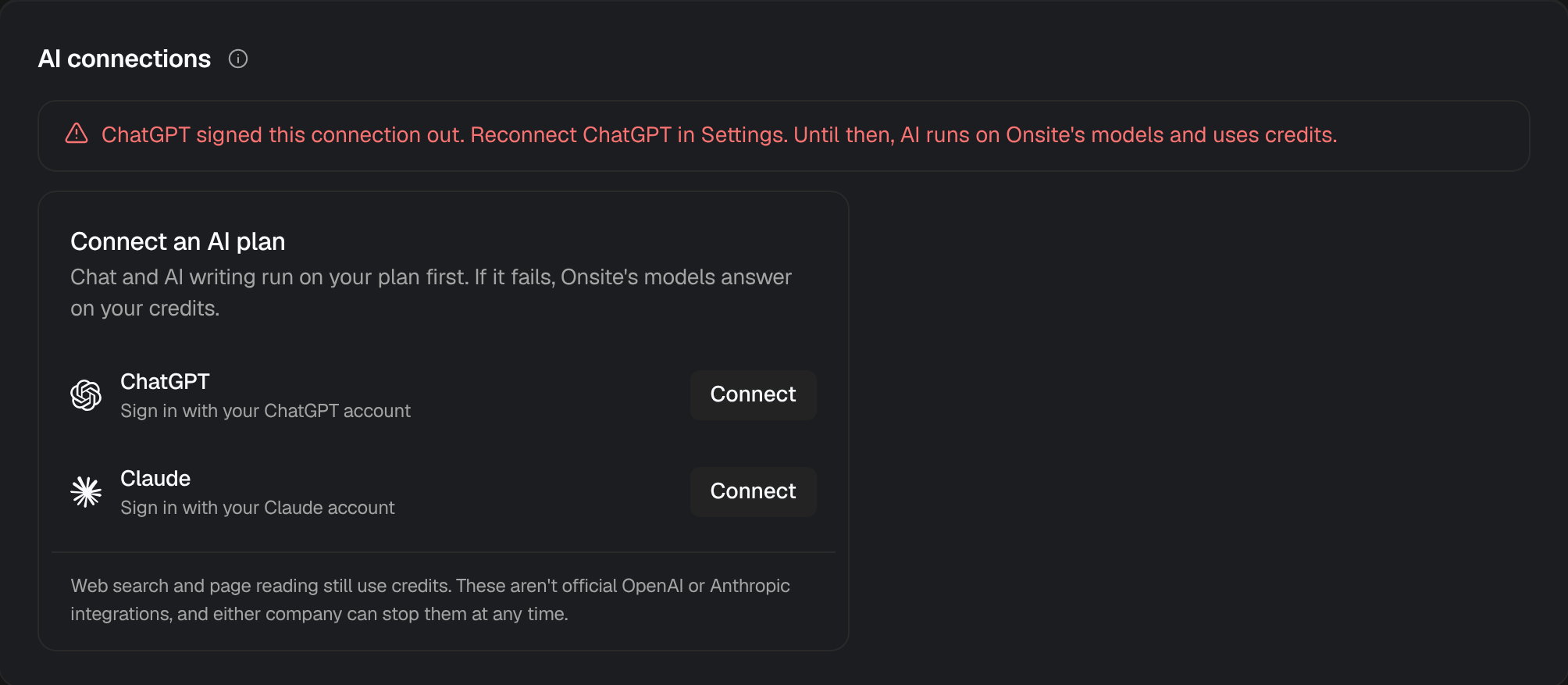
ChatGPT signed this connection out. Reconnect ChatGPT in Settings.
Your ChatGPT sign-in has ended. This can happen when you change your ChatGPT password or sign out of all devices.
Go to Settings › AI connections, choose Connect on the ChatGPT row, and sign in again. Device code sign-in needs to be on in ChatGPT for this.
Reconnect Claude in AI connections.
Your Claude sign-in has ended or was revoked. In Settings › AI connections, choose Connected on the Claude row, then Disconnect, and connect Claude again.
The code ran out. Connect again for a new one.
A ChatGPT code works for 15 minutes. Choose Connect again and enter the new code on OpenAI’s page straight away.
Sign-in timed out. Try again.
A Claude sign-in stays open for 10 minutes. Choose Retry, then sign in, copy the code and paste it back before the timer runs out.
Plan limits
Section titled “Plan limits”Your ChatGPT plan's usage limit is reached. It resets on ChatGPT's schedule.
Your team has used up what your ChatGPT plan allows for now. Ask Onsite answers on credits until the limit resets. You can wait, choose a lighter model beside the send button in Ask Onsite, or move to a plan with higher limits.
Claude could not answer. Reconnect in AI connections or try again after your plan limit resets.
Most often your Claude plan has reached its usage limit, and Ask Onsite answers on credits until it resets. If the limit isn’t the reason, disconnect Claude and connect it again.
ChatGPT refused this request.
Your ChatGPT plan doesn’t include this kind of use, or OpenAI has blocked it for your account or workspace. Check that you connected a Plus, Pro, Business, Enterprise or Edu plan. On a workspace, ask your ChatGPT admin whether device code sign-in is allowed.
Wrong account or workspace
Section titled “Wrong account or workspace”It connected the wrong ChatGPT workspace or plan
The ChatGPT row shows the email and plan it connected. If either is wrong, disconnect, then connect again. When OpenAI asks which workspace to use, pick the one with the plan. If it signs you straight in to the wrong account, sign out of ChatGPT in that browser first.
It connected the wrong Claude account or organization
Disconnect Claude, then connect again. When Claude asks which organization to use, pick the one with the plan. If it signs you straight in to the wrong account, sign out of Claude in that browser first.
I can't find the device code switch in ChatGPT
It’s in ChatGPT under your name › Settings › Security › App security. On a Business, Enterprise or Edu workspace, an admin has to allow it before it shows or can be switched on.
Ask Onsite isn’t using my plan
Section titled “Ask Onsite isn’t using my plan”I connected Claude, but answers still use credits
If ChatGPT is connected too, ChatGPT answers first and Claude isn’t used, even when ChatGPT is signed out. Disconnect ChatGPT to have Claude answer.
Some answers still use credits
Searching the web and reading pages for you always use credits, even with a plan connected. The answer itself comes from your plan. If every answer uses credits, open Settings › AI connections and look for a warning on the ChatGPT or Claude row.
I don't see the model picker in Ask Onsite
The model picker only shows while a ChatGPT plan is connected and working. With Claude, there’s no model to pick.
Permissions and availability
Section titled “Permissions and availability”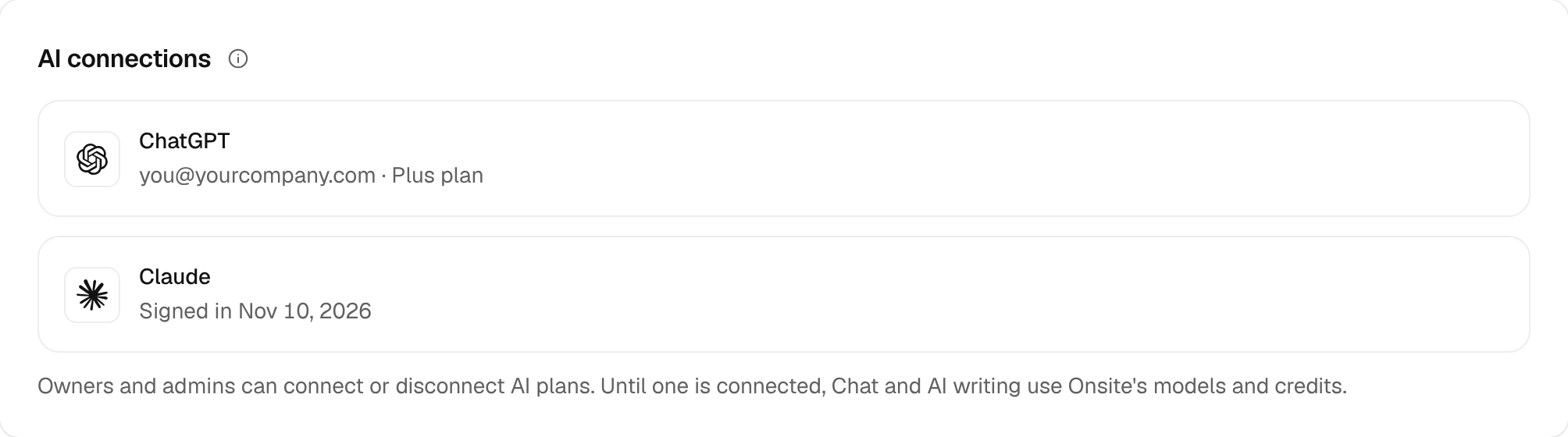
There's no Connect button
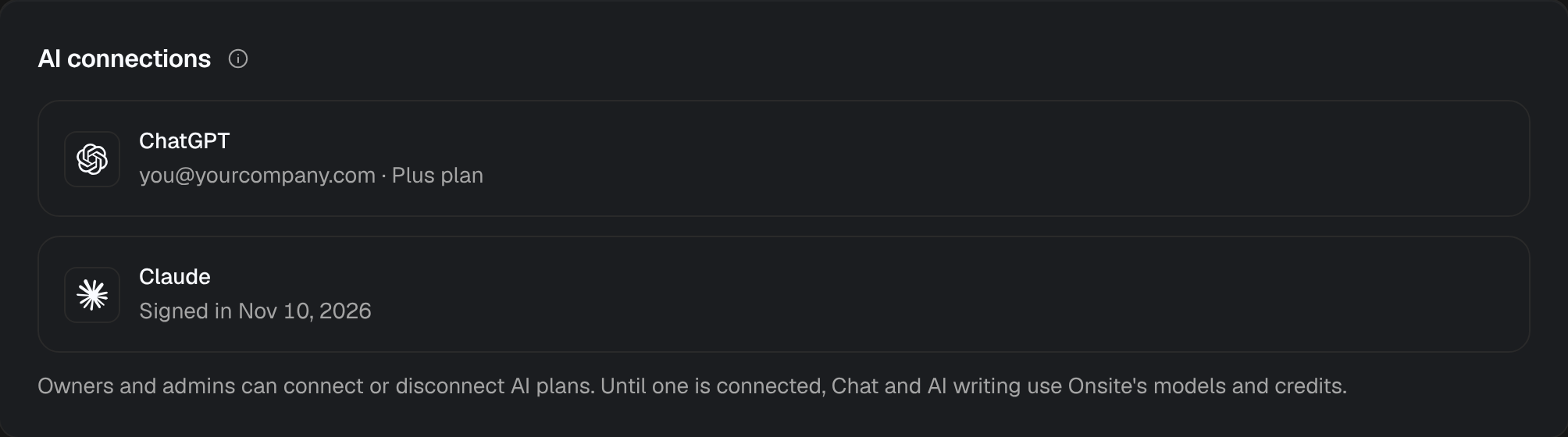
Only owners and admins of your Onsite team can connect or disconnect a plan. Everyone else sees which accounts are connected. Ask an owner or admin to connect one, or to change your role.
AI connections aren't available right now
Connecting a plan is paused for a while. Ask Onsite keeps working on Onsite’s own models and your credits. Check back later.
The connection stopped working for no clear reason
These connections aren’t official OpenAI or Anthropic integrations, and either company can change or stop them at any time. Try disconnecting and connecting again. If that doesn’t help, choose Support in Onsite’s top bar to chat with us, and tell us which plan you use.